ReviewsReview

5 min readNew
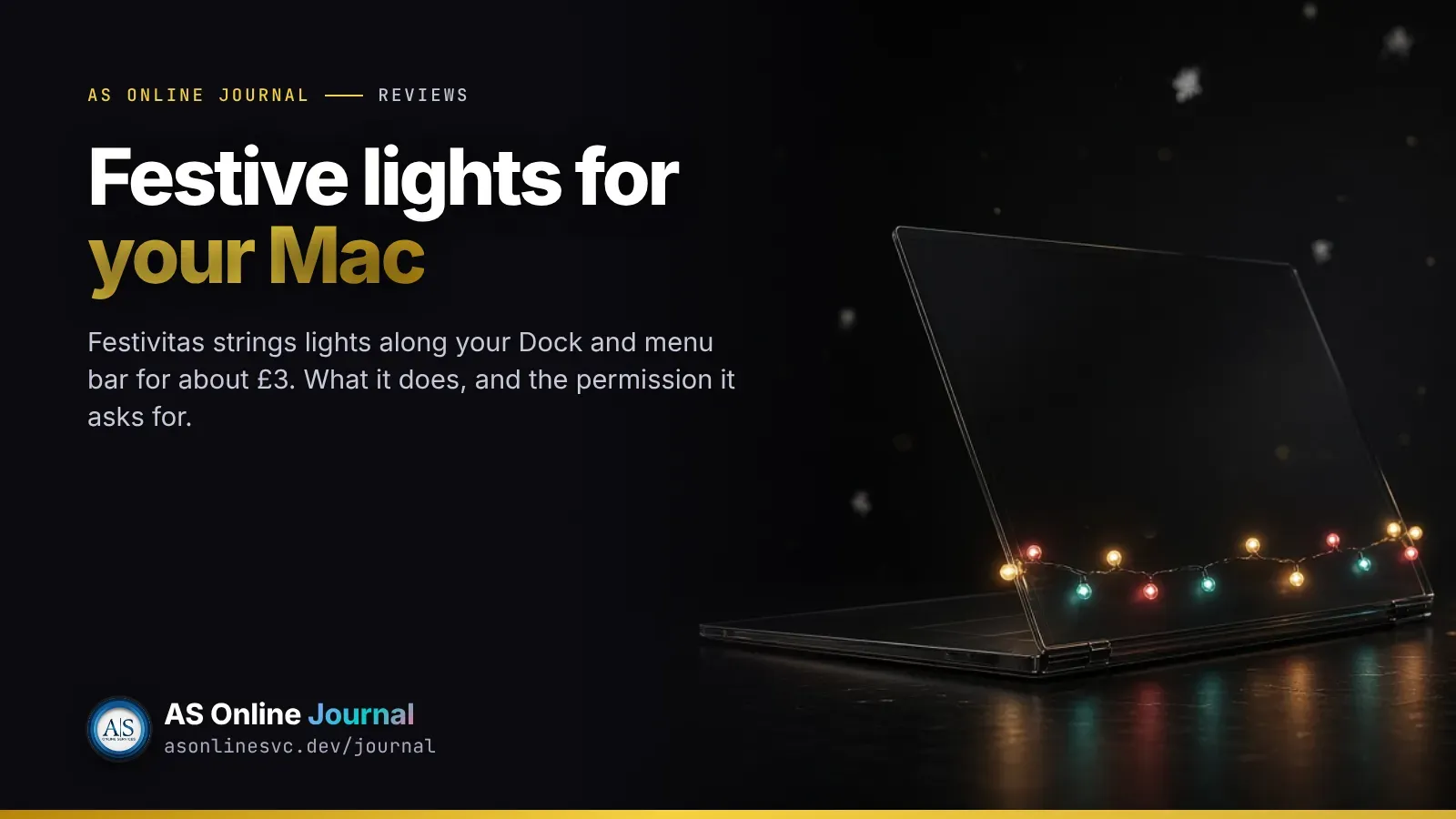
Simon Støvring's app strings animated lights along your Dock and menu bar and adds falling snow. What it does, the permission it asks for, and who will enjoy it.
This article contains an affiliate link: if you buy through it, AS Online earns a 10% commission at no extra cost to you.
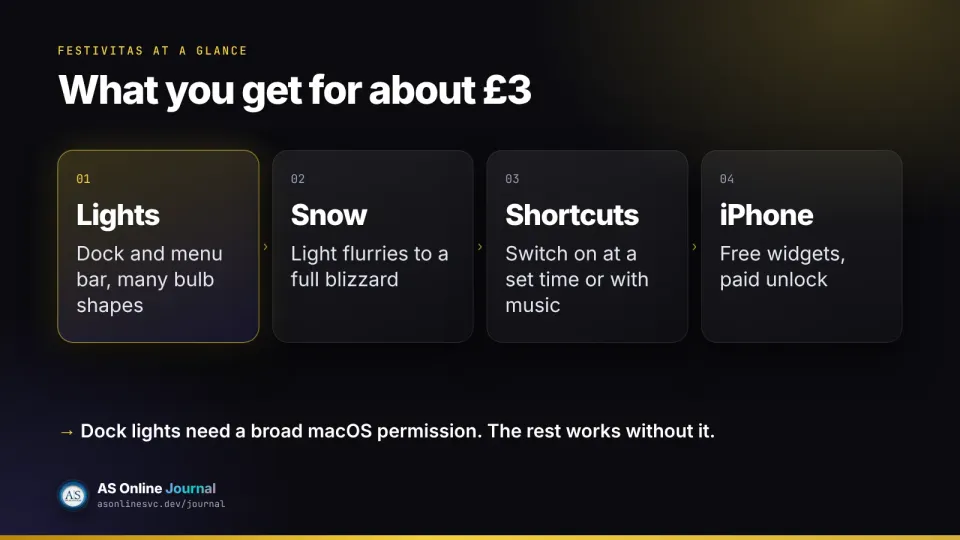
Festivitas is a small, cheap and well-loved bit of seasonal fun for Mac users: animated lights along the Dock and under the menu bar, and optional falling snow. It costs €4, shown as about £3.35 in the UK when we checked, with no subscription. It does nothing useful, and that is the point. The one thing worth understanding before you install it is the broad macOS permission it asks for to put lights on the Dock, and that it still works without it. This is a research-only review: we have not installed the app.
According to the product page, checked on 23 November 2026:
It requires macOS 14.6 or later. There is also an iPhone and iPad version with Home Screen widgets. That one is free to download, with the full version unlocked by a separate one-off in-app purchase on the App Store.
The Gumroad page showed 4.9 out of 5 from 438 ratings, with 95% of them five stars, and 7,407 sales. Those are ratings from buyers on the seller's own page, so they tell you people are happy with it, not how it compares with alternatives. The page also lists coverage by TechCrunch, Forbes, Daring Fireball, MacRumors, 9to5Mac and MacStories.
The release notes on the page run up to version 1.9.4, dated 3 December 2025, which added an option to start Festivitas when you log in and fixed lights disappearing after sleep.
This is the part worth reading before you click "Allow".
To place lights on the Dock and let snow settle on your windows, Festivitas needs to know where those things are on screen. On macOS, the ability to do that is bundled into a much broader permission. The developer's page explains the setup:
Because the permission is broad, macOS shows warnings that describe much more than this app does. The developer states that Festivitas does not use it to read your messages, emails, photos or browsing history, monitor your typing or change your files, and only uses it to locate the Dock and windows.
Two things make this a reasonable decision rather than a leap of faith:
We have not audited the app, so we can only report what the developer says. If you use a work Mac, check your employer's rules before granting any app broad access.
For about the price of a coffee, Festivitas does one silly, cheerful thing well, and its buyers clearly love it. Read the permission section above, start without it, and decide whether you want the Dock lights too.
If you want it, you can get Festivitas on Gumroad. Check the current price before you pay.
On 23 November 2026 the Gumroad page listed it at €4, which Gumroad showed as £3.35 for a UK buyer. The final amount depends on exchange rates and any tax at checkout.
The product page says it requires macOS 14.6 or later.
The developer says Festivitas only uses it to know where the Dock and windows are on screen, and that it does not read messages, emails, photos or browsing history, monitor typing or change files. The permission is optional: without it, the menu bar lights, falling snow and pointer effects still work, but lights on the Dock need it. We have not independently audited the app.
No. This review is based on the public product page, release notes and ratings checked on 23 November 2026. We have not installed it.