GuidesNews brief
3 min readNew
You subscribed with good intentions. Now newsletters bury the emails that matter. Why boundaries slip, what the rules say senders must give you, and a 30-minute reset that sticks.
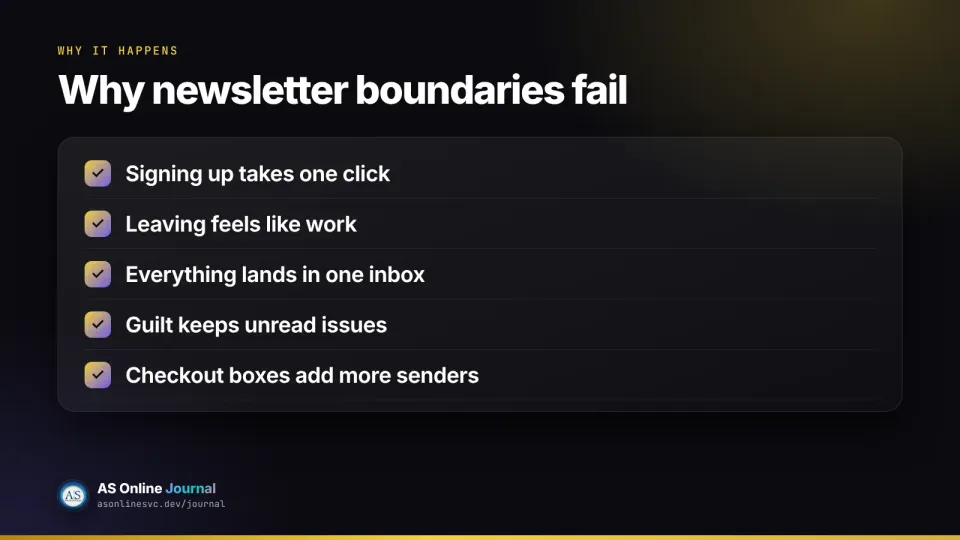
Most people who feel buried by newsletters signed up to every one of them. Boundaries fail because subscribing takes one click, leaving feels like effort, and nothing separates "read now" from "read later". The rules are on your side: UK marketing emails must give you a way to opt out, and Gmail requires bulk senders to support one-click unsubscribe. A 30-minute reset, a separate place for newsletters, and one simple rule for new sign-ups will fix most inboxes.
In practice, that means many email apps now show an Unsubscribe option at the top of a newsletter, and it works without visiting a website.
| Minutes | Step |
|---|---|
| 0–10 | Search your inbox for "unsubscribe". Sort by sender and unsubscribe from anything you have not opened in a month |
| 10–15 | Mark unexpected emails you never signed up to as spam instead of clicking their links |
| 15–20 | Create a folder or label called "Reading" and a filter that moves your keepers there automatically |
| 20–25 | Archive every newsletter older than two weeks. If it mattered, it will come round again |
| 25–30 | Pick one time a week to open the Reading folder, and put it in your calendar |
Before you subscribe, ask: "Would I pay a pound a month for this?" If not, take the discount or the guide, then unsubscribe from the next email. And at checkout, untick any box that offers marketing unless you actually want it.
Boundaries slip; that is normal. Once a month, look at your Reading folder. If a sender's issues pile up unread three times in a row, unsubscribe. No guilt: you can always sign up again.
Unsubscribe links are safe from reputable senders you knowingly signed up to. Scam emails sometimes copy the look of newsletters. The NCSC's phishing guidance explains how to spot and report them. If you do not recognise the sender, report it as spam rather than clicking anything.
A newsletter you love is worth your attention. Twenty you skim out of guilt are not. A reading folder, a weekly slot and a quick monthly prune are enough to keep the good ones and let the rest go.
Yes. The ICO's guidance on PECR says senders must not hide their identity and must provide a valid contact address so you can opt out or unsubscribe. Where a company emails you because you are an existing customer, it must give you a simple way to opt out in every message.
A standard way, described in RFC 8058, for an email app to unsubscribe you without visiting a website. Since February 2024, Google has required marketing and subscribed messages sent to Gmail to support it, along with a visible unsubscribe link.
For newsletters you knowingly signed up to from reputable senders, yes. For unexpected emails you never asked for, it is safer to mark them as spam than to click links in them.